
CapCut APK is the Android installation package of CapCut, a mobile and online video editor developed by ByteDance, designed for creating and editing videos directly on smartphones and tablets. It works by providing a timeline-based editor with basic and AI-powered tools, allowing users to import footage, apply effects and audio, then export videos up to 4K resolution for platforms like TikTok, YouTube, and Instagram.
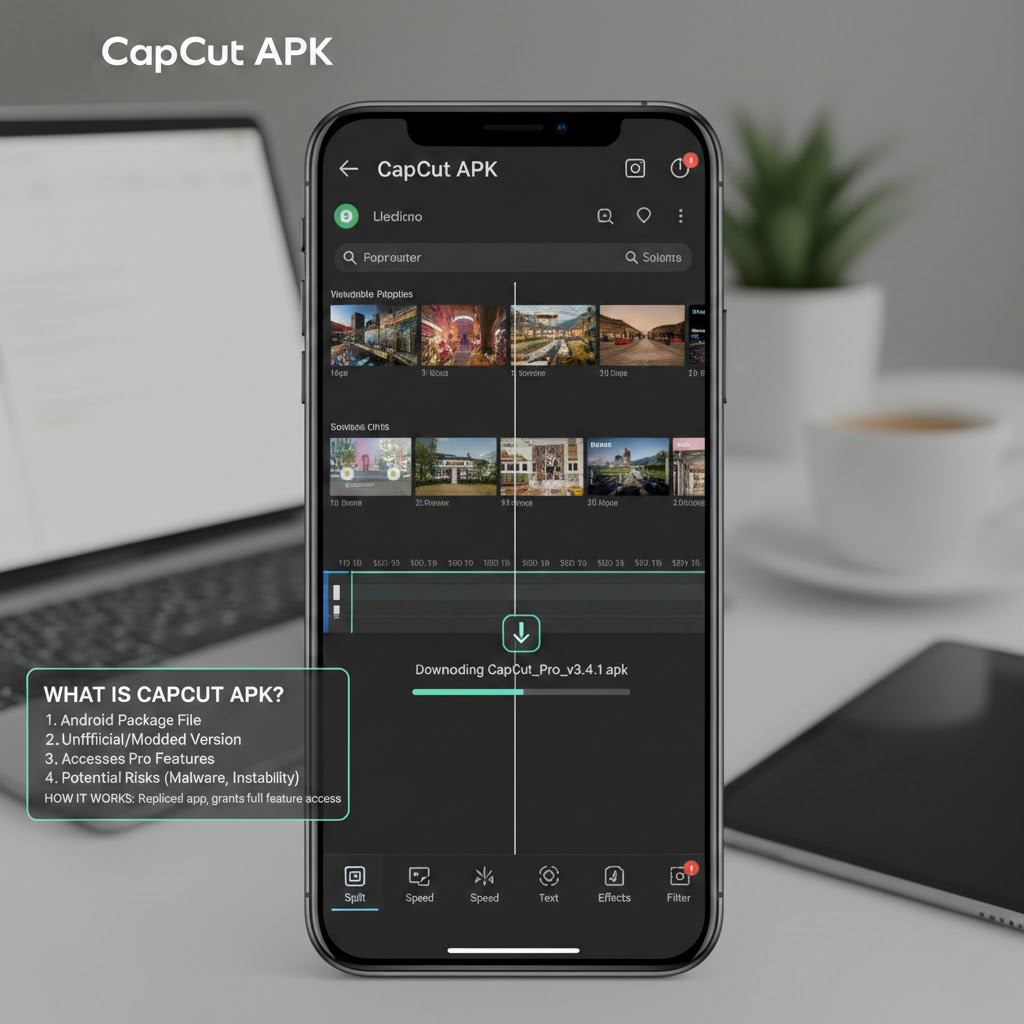
CapCut as a product exists in several forms: the Google Play app, the direct-download Android APK, desktop applications, and a web editor accessible via browser. On Android, the APK file is the underlying package format that the system installs, regardless of whether it originates from Google Play or a manually downloaded file, and it contains the app’s code, resources, permissions, and signature. From a user’s perspective, “CapCut APK” usually refers to downloading the installer outside the Play Store, while technically every installation still relies on an APK under the hood. This distinction is central for understanding installation options, security implications, and compatibility questions.
How CapCut APK relates to CapCut, TikTok, and ByteDance
CapCut is an official video-editing app from ByteDance, the same company behind TikTok, which positions it as a native tool for vertical short-form and social content. The app first gained traction as a mobile editor for TikTok creators and remains tightly integrated with that ecosystem while also supporting export for general platforms like YouTube and Instagram.
TikTok and CapCut are distinct applications: TikTok focuses on content consumption and publishing, whereas CapCut functions as a production environment for editing footage, adding effects, and preparing videos before upload. Within CapCut, many templates and aspect ratios are pre-optimized for TikTok-style formats, which reduces the need for manual sizing or cropping of vertical videos. ByteDance provides both free and paid (Pro) tiers, with cloud storage and advanced tools reserved for Pro subscriptions that extend the editor beyond casual use cases.
Why Do People Search for CapCut APK Instead of the Play Store Version?
Although CapCut is officially available through the Google Play Store, many users specifically search for “CapCut APK” for practical reasons. In most cases, they are not looking for a different application, but for an alternative installation method. In these cases, users often look for alternative distribution sources that provide direct access to the installation file, including independent APK-focused platforms.
One common reason is regional availability. App releases and feature rollouts can vary by country, and some users attempt to bypass geographic restrictions by installing the APK file manually. Others use devices that do not include Google Mobile Services (GMS), such as certain Huawei smartphones, where the Play Store is unavailable. In these cases, downloading the APK becomes the only viable installation method.
Another reason involves version control. Some users prefer installing a specific build of the application rather than waiting for the Play Store update cycle. Because APK files function independently of Google Play’s automatic update mechanism, they allow manual control over installation and upgrades.
There is also demand driven by modified or “Pro unlocked” builds distributed by third parties. These versions claim to unlock premium features, but they are not officially signed by ByteDance and may carry security risks. Understanding this distinction is important: searching for “CapCut APK” does not automatically imply unsafe intent, but it does require greater attention to file origin and authenticity.
What exactly is an APK and what types of CapCut APK exist?
An APK (Android Package) is the standard format Android uses to distribute and install applications, containing compiled code, resources, manifest, and the developer’s cryptographic signature. When users talk about “downloading a CapCut APK,” they typically refer to obtaining this installer file directly from a website or repository instead of using the integrated Google Play pipeline.
In the CapCut context, several APK categories appear in practice.capcutapk+3
Official distribution paths include:
- The Google Play listing, which delivers signed APKs through the Play Store client and updates via the store’s infrastructure.
- The official CapCut website and regional “CapCut APK” resource pages, which can provide direct APK downloads for users who cannot access Google Play or prefer manual installation.
Unofficial or modified APKs include so‑called “MOD APK” or “Pro unlocked” packages, which repackage CapCut with altered licensing checks, removed watermarks, or unlocked features, and are not distributed by ByteDance. These modified packages often advertise all premium features unlocked, no ads, and no watermark, but they replace the original developer signature, which breaks the standard trust chain and update model. From a security and integrity standpoint, this distinction between official, developer‑signed APKs and third‑party modified builds is critical.
How does CapCut APK work technically on Android?
CapCut APK works by installing an Android app that uses a timeline-based video editor, hardware-accelerated rendering, AI models, and cloud connectivity to process media on the device and in the cloud. Once installed, the app requests permissions for storage, camera, microphone, and network access to import footage, record video and audio, synchronize templates, and export or upload finished projects.
Under typical usage, the technical workflow on Android includes several stages.
- Installation and initialization
The user installs CapCut via Google Play or an APK file, and Android verifies the signature and requested permissions. On first launch, CapCut initializes local caches, content libraries, and template catalogs, and may download additional assets like fonts, effects, and audio packs. - Media import and project creation
Users create a new project or open a template, then import video clips, photos, and audio from local storage, camera captures, or in-app stock libraries. CapCut builds an internal project timeline, indexing clips, thumbnails, and audio waveforms so edits can be previewed in real time. - Timeline editing and AI-assisted tools
Editing operations such as trimming, splitting, rearranging clips, adding overlays, adjusting speed, and applying filters are executed on the timeline, with the app leveraging the device GPU and CPU for playback and effect rendering. AI-based features such as auto captions, background removal, text-to-speech, script generation, and motion tracking run either on-device or via cloud services, depending on the feature and device capabilities. - Export and delivery
When the edit is complete, CapCut renders the project into a final video file using chosen resolution, bitrate, and frame rate, with support up to 4K at 60 fps on capable devices. The exported video can be saved locally or sent directly to platforms such as TikTok, YouTube, or Instagram using integrated share flows.
Throughout these stages, CapCut relies on Android’s multimedia APIs, hardware acceleration (for example OpenGL ES or Vulkan), and file I/O to handle complex edits without requiring desktop-class hardware. Performance scales with device specifications, so higher RAM, faster storage, and stronger GPU resources yield smoother previews and faster export times, especially for multi-layer, 4K, or AI-heavy projects.
What features and tools does CapCut APK provide?
CapCut APK provides a broad toolkit that covers basic editing, creative effects, AI utilities, templates, and export controls within a single mobile app. This feature set is designed to support both quick social posts and more complex, multi-track edits.
Key functional areas include the following.
- Core editing tools
CapCut supports trimming, splitting, cropping, rotating, and rearranging clips on a layered timeline, enabling both single-layer and multi-layer editing via overlays. Users can control speed (slow motion, fast motion, reverse), transitions between clips, and basic color adjustments such as brightness, contrast, and saturation. - Templates and presets
The app offers a large library of templates tuned for TikTok, Reels, Shorts, and other formats, where users can replace placeholder clips and photos with their own media while keeping transitions and timing intact. Templates often bundle music, motion graphics, and effects, which helps maintain stylistic consistency across multiple videos without manual keyframing. - Text, stickers, and overlays
CapCut includes extensive text tools with fonts, animation presets, subtitles, and title cards, useful for tutorials, lyric videos, and commentary content. Stickers, GIF-style elements, and overlays can be stacked on top of base footage via multi-layer editing, enabling picture-in-picture compositions and branded elements. - Audio, music, and voice
Users can import audio files, extract audio from existing videos, or choose from in-app music and sound effect libraries. CapCut provides volume envelopes, fade-in and fade-out controls, and voice-over recording, allowing narration tracks to be recorded directly onto the timeline. - AI-powered features
AI utilities include automatic caption generation, text-to-speech, background removal for green-screen-like effects, AI video and script generation, and motion tracking for effects that follow objects. These tools reduce manual labor in tasks such as subtitling, masking, rotoscoping, and ideation, particularly for creators producing regular content. - Photo editing and cross‑modal tools
CapCut has expanded into AI photo editing, supporting filters, retouching, background changes, and styling for still images, which can be integrated into video projects. This blurs the line between a separate photo editor and a video editor, especially for social posts that combine carousels, covers, and clips. - Export, quality, and cloud features
Export options include 720p, 1080p, and up to 4K at 60 fps, with some devices supporting HDR output. Cloud sync and an online editor allow users to start on one device and continue on another, sharing projects between Android, desktop, and web.
Some advanced capabilities, such as certain motion blur effects, premium templates, and extended cloud storage, are tied to the Pro version or subscription offerings. However, the free tier retains a full set of core editing tools, making it viable for most standard short-form projects without upgrading.
How do you install CapCut APK and what are the security considerations?
The safest way to install CapCut on Android is through Google Play, which provides a trusted distribution channel, automatic updates, and baseline app integrity checks via Play Protect. When users must use an APK instead, security hinges on verifying origin and integrity of the installation file, limiting sideloading permissions, and maintaining device protections.
A typical secure installation flow for CapCut APK contains several steps.
- Prefer official sources
Use Google Play when available, or official CapCut resources and developer-linked download pages in regions where the Play Store is restricted. Avoid random APK aggregator sites or unofficial “MOD APK” repositories that cannot demonstrate verifiable ties to ByteDance. - Validate package identity
For APK files, security depends on confirming that the package is signed with the expected developer certificate and has not been modified. Without this verification, discussions about features or convenience become secondary, because a tampered APK may insert malicious code, tracking components, or credential-stealing functionality. - Use Android’s “Install unknown apps” carefully
On Android 8 and later, unknown-app installation is granted per source application (for example, a browser or file manager) rather than globally. Best practice is to enable this permission only when needed to install the CapCut APK from the chosen source, complete installation, and then immediately disable it to reduce the risk of accidental or unauthorized installs via the same pathway. - Keep security layers active
Leaving Google Play Protect enabled provides real-time scanning and warnings for potentially harmful apps, including those installed from APK files. Additional hygiene includes verifying requested permissions, revoking unneeded access in system settings, and monitoring for unusual battery, network, or background activity after installation.
Installing modified “CapCut MOD APK” or “CapCut Pro unlocked” builds involves additional risk, because these packages are, by design, altered from the official code base and cannot rely on the original developer signature. Users who install such builds give up the managed update path and expose their device to unknown modifications, making them dependent on third-party distributors for every security and bug fix. From a risk perspective, the asymmetry is high: a single compromised installation can affect device data and future updates, while the benefit is usually limited to bypassing subscription or watermark constraints.
What devices, Android versions, and use cases is CapCut APK suitable for?
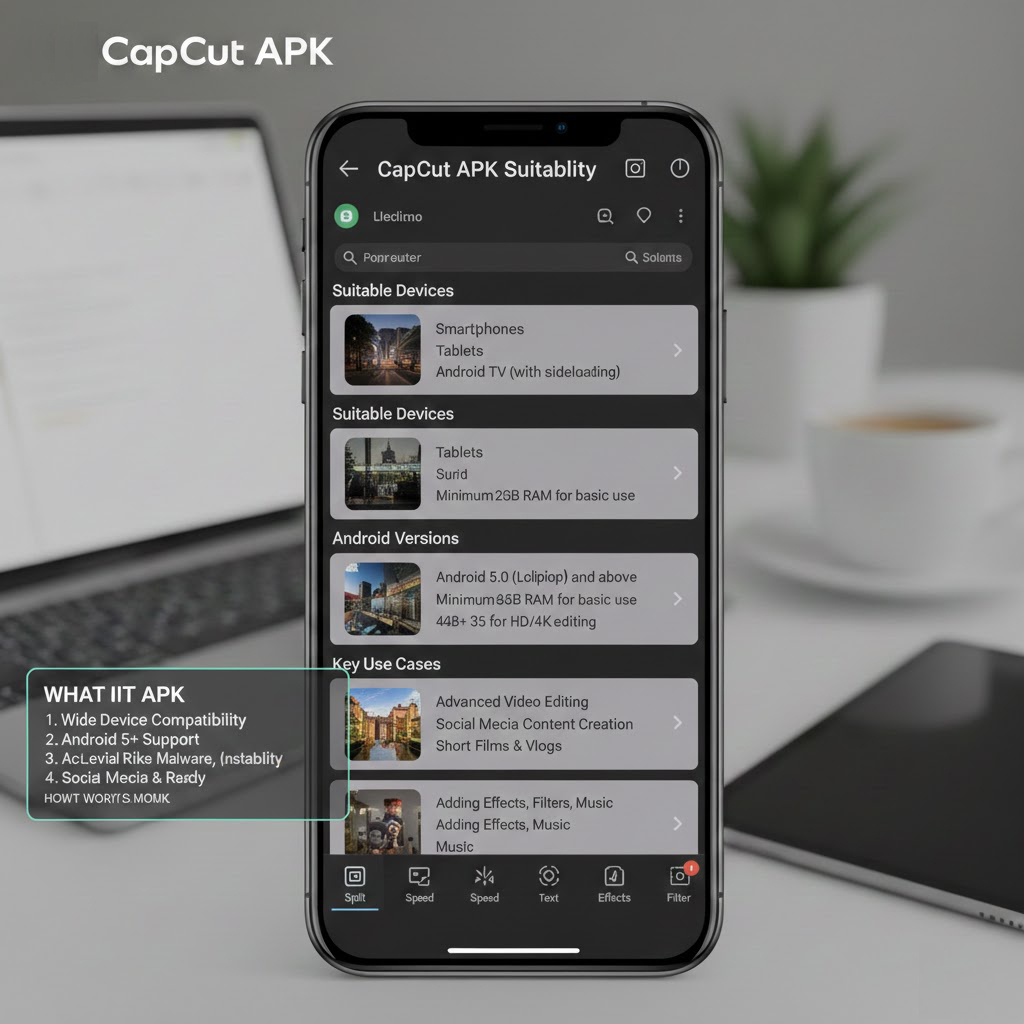
CapCut APK is designed for a broad range of Android devices, with minimum requirements around Android 5.0 and more realistic performance baselines at Android 8.0 or newer with at least 4 GB of RAM. Many recent builds target ARM64-v8a architectures, and older 32-bit devices (ARMv7) see decreasing support as features evolve.
From a hardware standpoint, the following guidelines describe typical suitability.
- Light users and casual creators
Devices with 2–3 GB of RAM and midrange CPUs can handle basic trimming, simple transitions, and 720p or 1080p exports, though complex projects may stutter. Such setups fit simple social clips, story posts, and short edits with limited layers and effects. - Regular creators and short‑form producers
Devices with 4 GB of RAM or more, recent Android versions, and reasonable GPU support allow comfortable multi-layer editing, AI tools like auto captions, and 1080p to 4K exports with moderate effects. This tier suits users posting regularly to TikTok, Shorts, or Reels, who rely on templates, motion graphics, and music libraries. - Heavy users and semi‑professional workflows
High-end phones and tablets with 6–8 GB of RAM, fast storage, and strong CPUs/GPUs can handle 4K 60 fps timelines, HDR exports, AI background removal, and complex effects stacks with fewer slowdowns. Combined with CapCut’s cloud sync and desktop/web editors, these devices support more sustained content pipelines spanning multiple platforms.
CapCut APK’s feature profile covers diverse scenarios: short social content, tutorials with captions and pointers, lyric videos, meme formats, product demos, simple vlogs, and montages assembled from photos and clips. The combination of templates, AI assistance, and advanced export options makes it applicable both to beginners who rely on presets and to experienced editors who treat the mobile app as part of a larger multi-device production chain.
Which single use case around CapCut APK is the highest priority for your article’s audience: explaining safe APK installation, showcasing editing features, or focusing on performance and device requirements?